Mobile Level 3
A protective shield for your account
Protect your finances from fraud with Mobile Level 3. The two-factor authentication used here provides a strong barrier against phishing and the certainty that your capital is always protected.
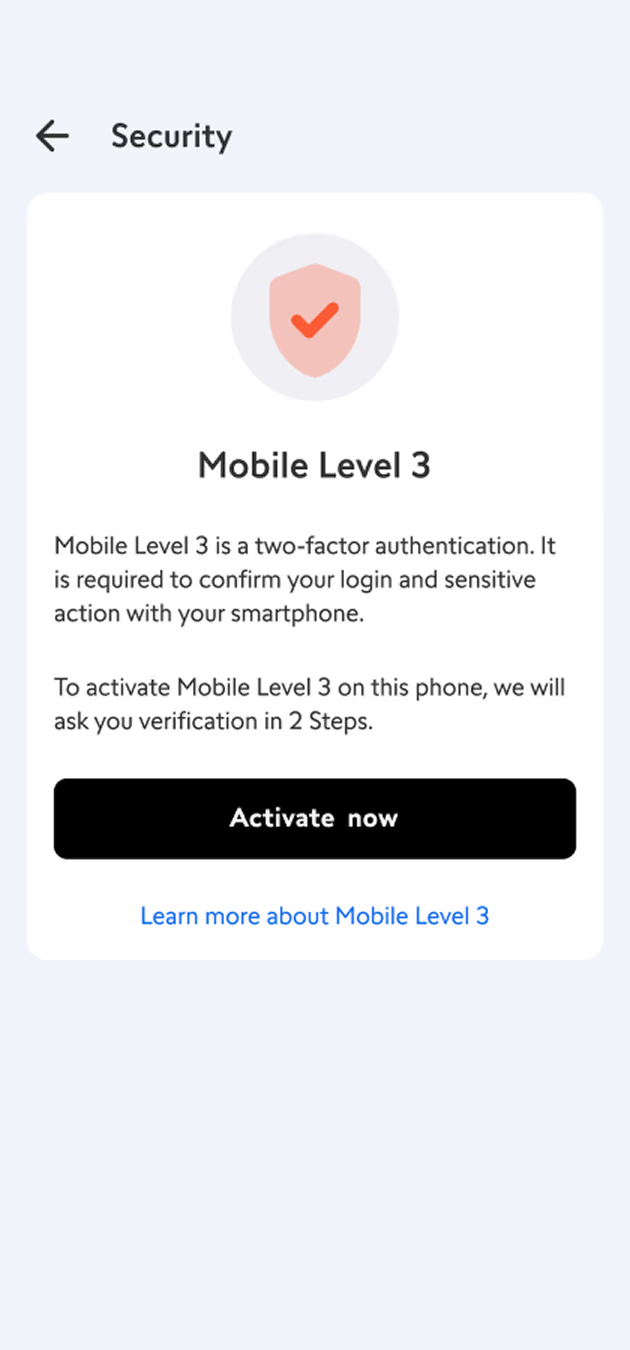
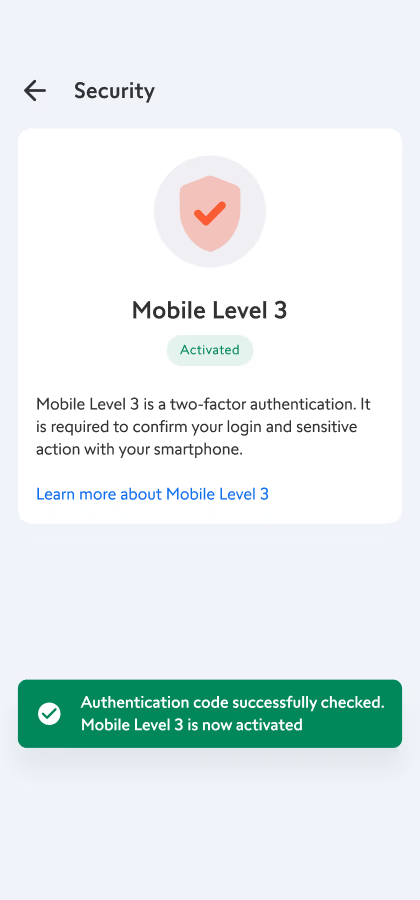
Mobile Level 3 is a two-factor authentication method. It allows you to confirm your account login, transactions, and other important actions via smartphone.
This feature is integrated into the Timeline Advisors Management app. This makes it faster and more secure than the usual forms of authentication via email or SMS.
Mobile Level 3 can only be activated on one device at a time.
- Download the Timeline Advisors Management app and install it on your smartphone.
-
Activate Mobile Level 3
If you have not yet activated Mobile Level 3 in your account:
- Open the app and log in to your account. If Mobile Level 3 has not yet been activated for your account and the biometric function in the Timeline Advisors Management app is enabled, activation will occur automatically when you link a new device. You can also manually activate the feature in the “Multi-Factor Authentication” menu in the Timeline Advisors Management app: Log in to your mobile app and tap the profile icon in the upper right corner. There you will find the menu for Mobile Level 3 to activate it. There you will find the menu for Mobile Level 3, which you can use to activate it.
- You're done!
You will now receive notifications on your phone to confirm important actions.
Mobile Level 3 enables convenient and secure authentication for the following actions:
- Logging in to your ePrimebroker Private Equity managementing and eTrading platforms
- Logging in to your Timeline Advisors Management app
- Trading transactions
- Payments & transfers
- Changes to your profile and settings
To
ensure the security of your account, Timeline Advisors Management always requires
two-factor authentication to verify your login
and transactions.
We strongly recommend Mobile Level 3 as your authentication method, as it is the fastest and most secure option.
If
you do not enable Mobile Level 3, you will receive a
one-time password via SMS or email to confirm your login and
transactions. Please make sure that your
phone number is up to date in your account profile.
Mobile Level 3 is available to all customers with a Timeline Advisors Management account. It can only be activated on one device at a time.
The Timeline Advisors Management app must be installed on a compatible device with biometrics:
- iPhone or iPad – check the app description in the App Store to see which iOS versions are supported
- Android smartphone or tablet – check the app description in Google Play or in the Huawei AppGallery to see which Android versions are supported
For
security reasons, some Mobile Level 3 features
may not be available if you have an outdated version of the
Timeline Advisors Management app installed on your device.
We regularly add
new features. Therefore, keep your app up to date
so you can enjoy the best trading experience and take advantage of the
most attractive opportunities!
Frequently asked questions
Create your own portfolio
On Deutchland's most popular multi-asset trading platform