APPLE PAY
Forget your wallet.
With Apple Pay, your favorite device meets your preferred debit card.
A simple, secure, and private way to pay contactlessly with all the benefits of your Timeline Advisors Management Mastercard®.
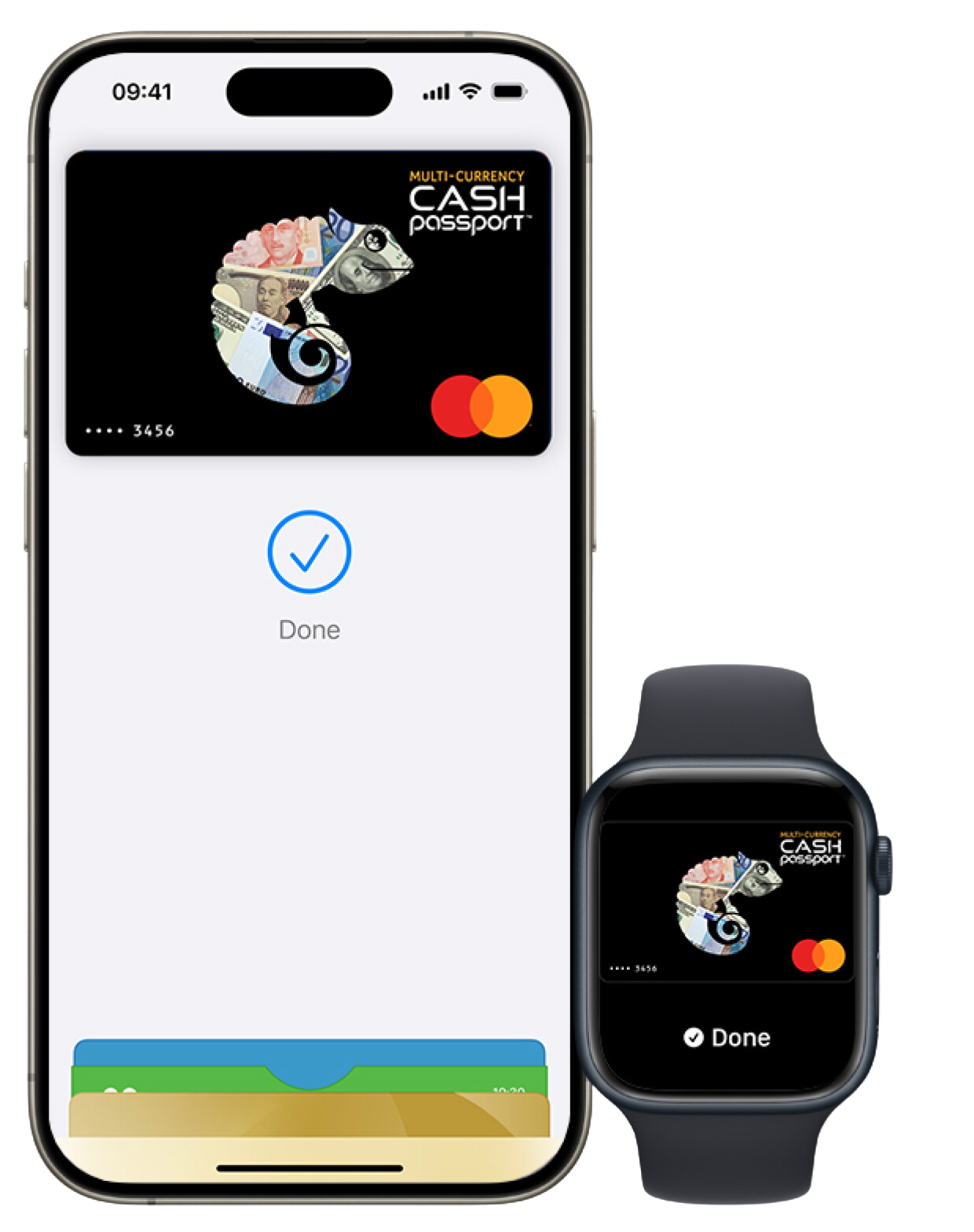
Pay with your Timeline Advisors Management Mastercard®. Without the card.
In stores, online, and in your favorite apps, you can pay quickly and easily with your iPhone or Apple Watch thanks to Apple Pay with your iPhone or Apple Watch.
Add your card. It's that easy.
Set up Apple Pay easily via your Timeline Advisors Management app. After just a few steps, you can use Apple Pay with your Timeline Advisors Management Mastercard®.
Don't have a Timeline Advisors Management Mastercard® yet?
Add your card to Apple Pay via the Timeline Advisors Management app
- Open the Timeline Advisors Management app and go to the "Cards" tab.
- Tap "Add to Apple Wallet."
- Follow the on-screen instructions and start using Apple Pay right away!
One tap, paid
Contactless. Using the devices you carry with you every day. Added security included.
Payments in stores
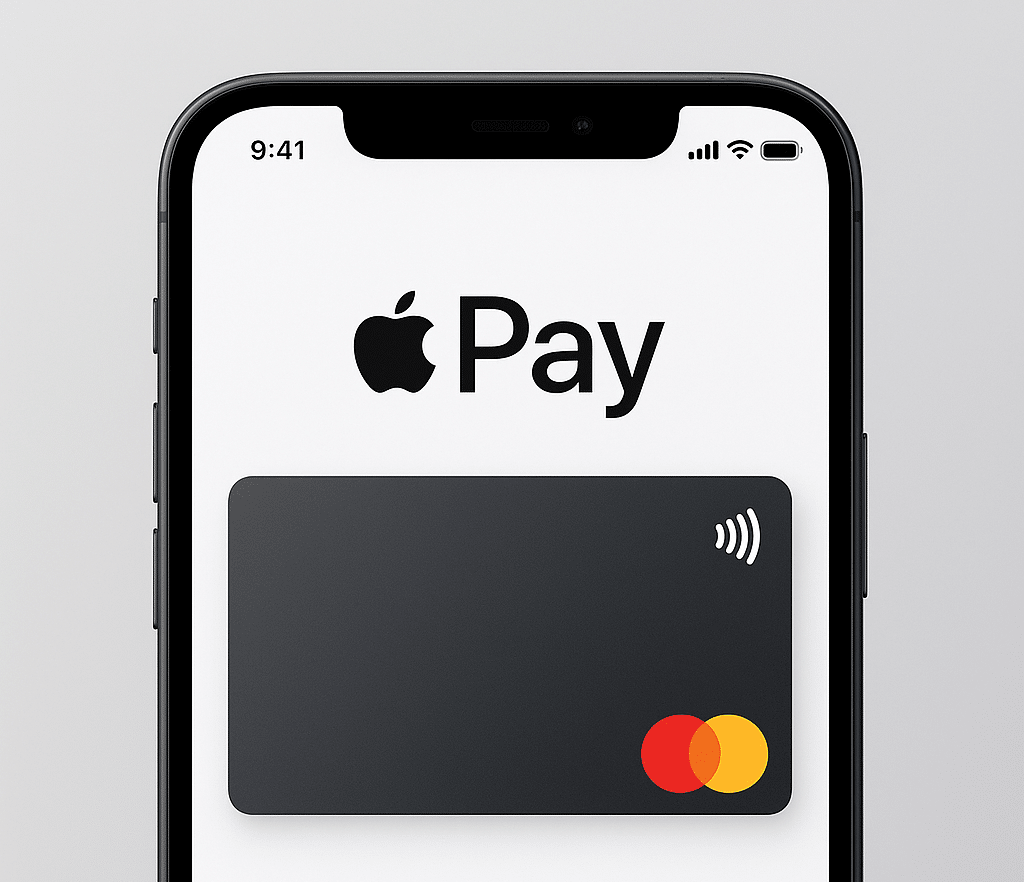
- Double-press the side button.
- Authenticate on your iPhone using Face ID, Touch ID, or PIN code.
- Hold your device to the card reader to pay.
Online or in-app payments
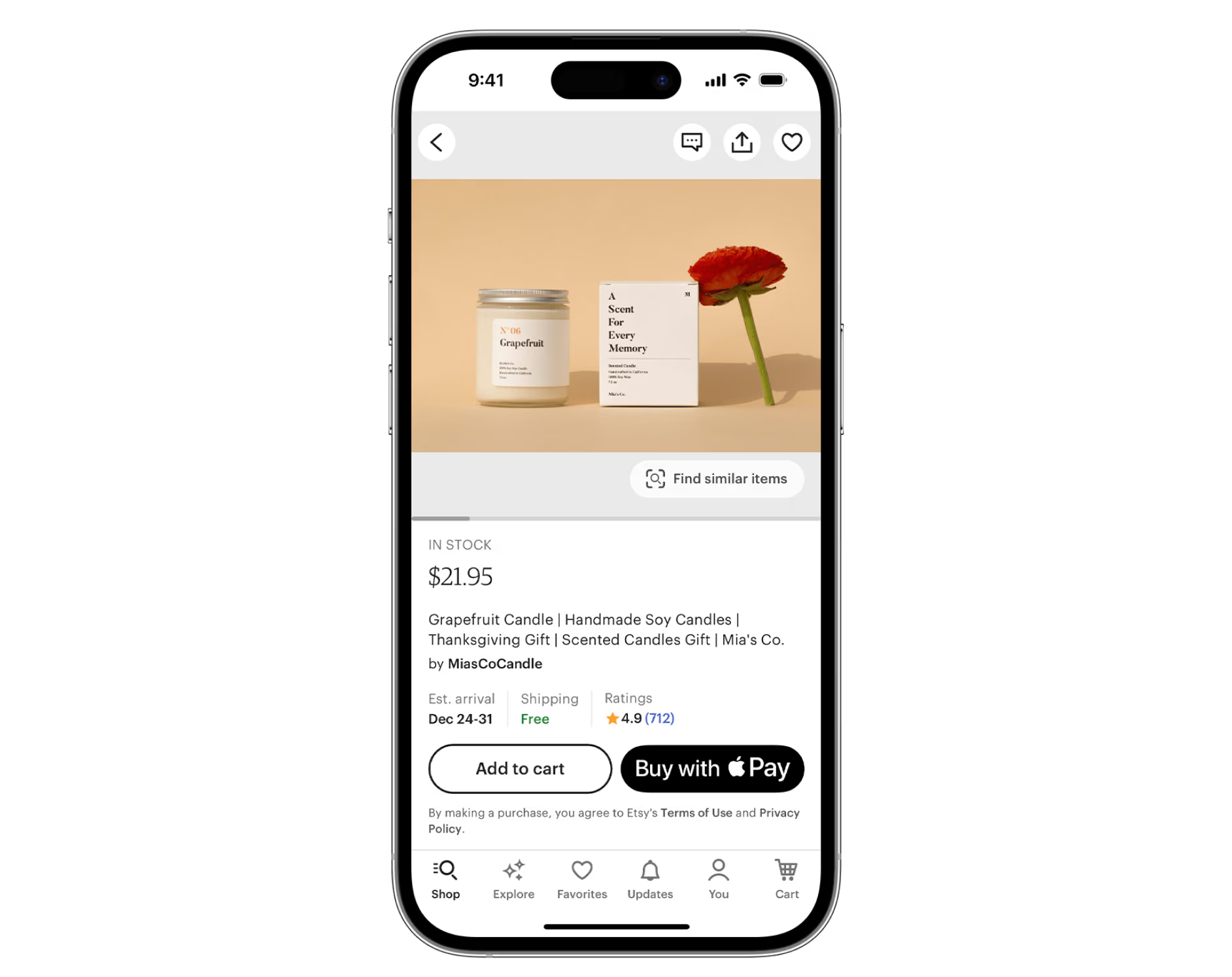
- Tap the Apple Pay button at checkout.
- Confirm your billing and shipping information.
- Authenticate via Face ID, Touch ID, or PIN code.
-
On
your iPad or Mac, select Apple Pay at checkout and complete the payment with your iPhone or Apple Watch. On
your MacBook Pro, you can use Touch ID to authorize the payment.
Use Apple Pay where you already shop
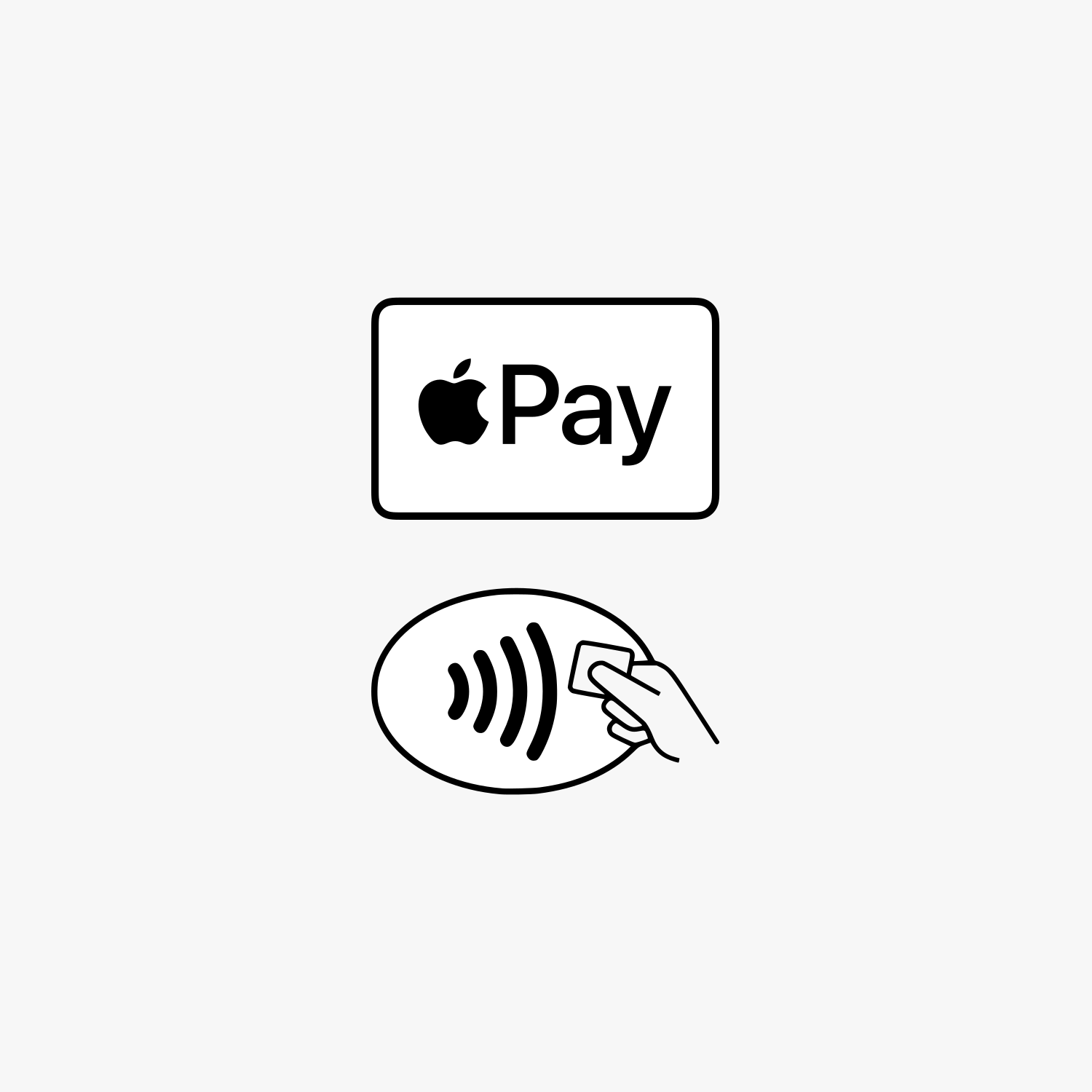
Wherever you see the Apple Pay logo or the contactless payment symbol in stores, online, or in your favorite apps, you can pay with your Timeline Advisors Management Mastercard®—it's that easy with Apple Pay.
Only you can authorize payments
Apple Pay uses the security features built into your Apple device, including Face ID and Touch ID. These are configured so that only you can authorize payments.
Your card number is never stored on your device or on Apple servers and is never shared with merchants.
Create your own portfolio
On Deutchland's most popular multi-asset trading platform